How it works
From application to AGM, in five steps
MyEstates is built to be operated by your existing EXCO — not a separate technical team. Here's what the lifecycle looks like, end to end.
- 01
Apply
Your chair submits an application for the estate. Tell us about your estate — how many houses, current operations, EXCO contact details. We review applications individually; once approved, your estate is set up and ready for first login.
- 02
Set up your estate
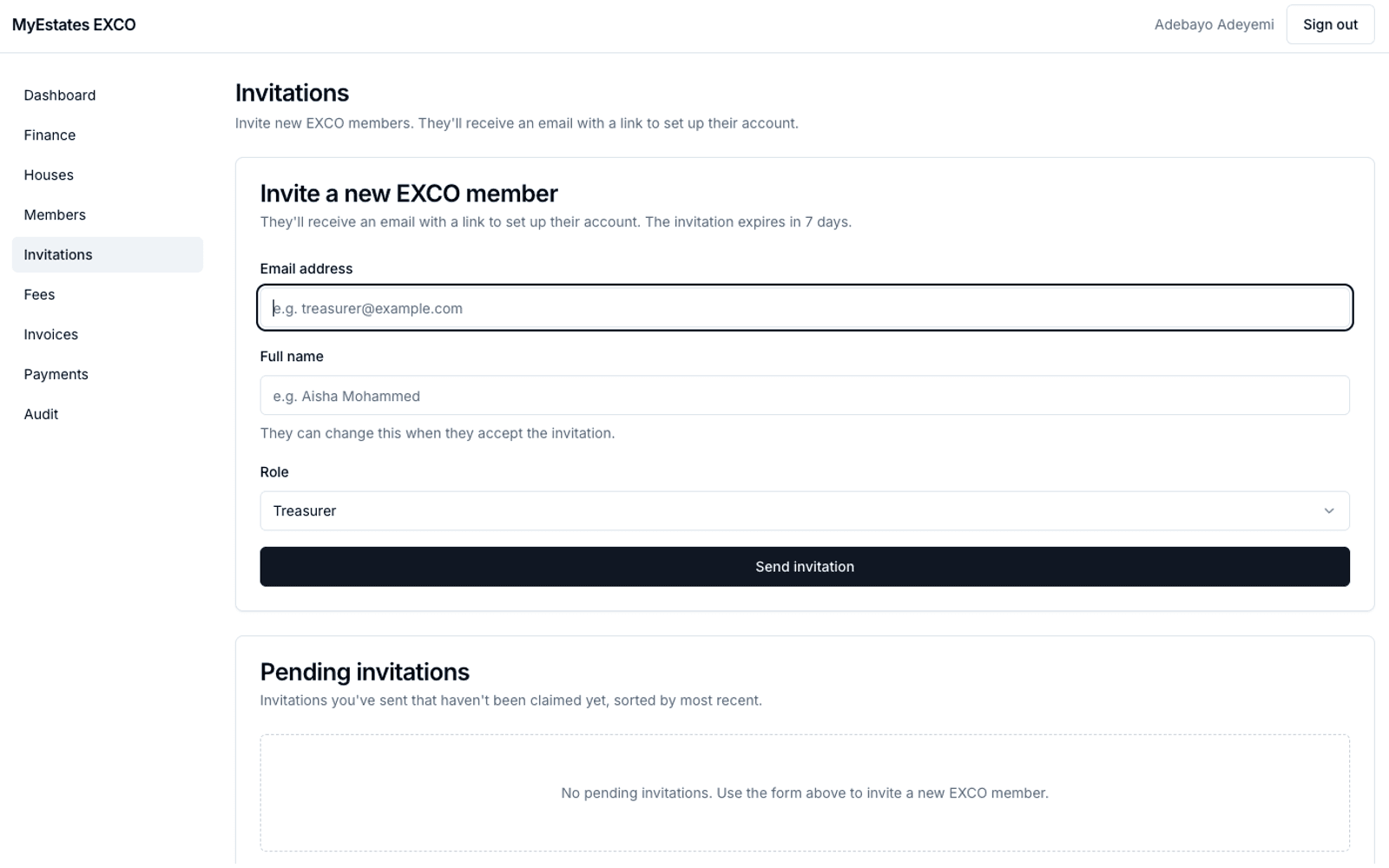
Define your fee structure — recurring dues, levies, security charges, whatever your estate uses. Add your houses and household members. Invite the rest of your EXCO and your residents. The platform handles the structure; you handle the decisions.
- 03
Issue your first invoices
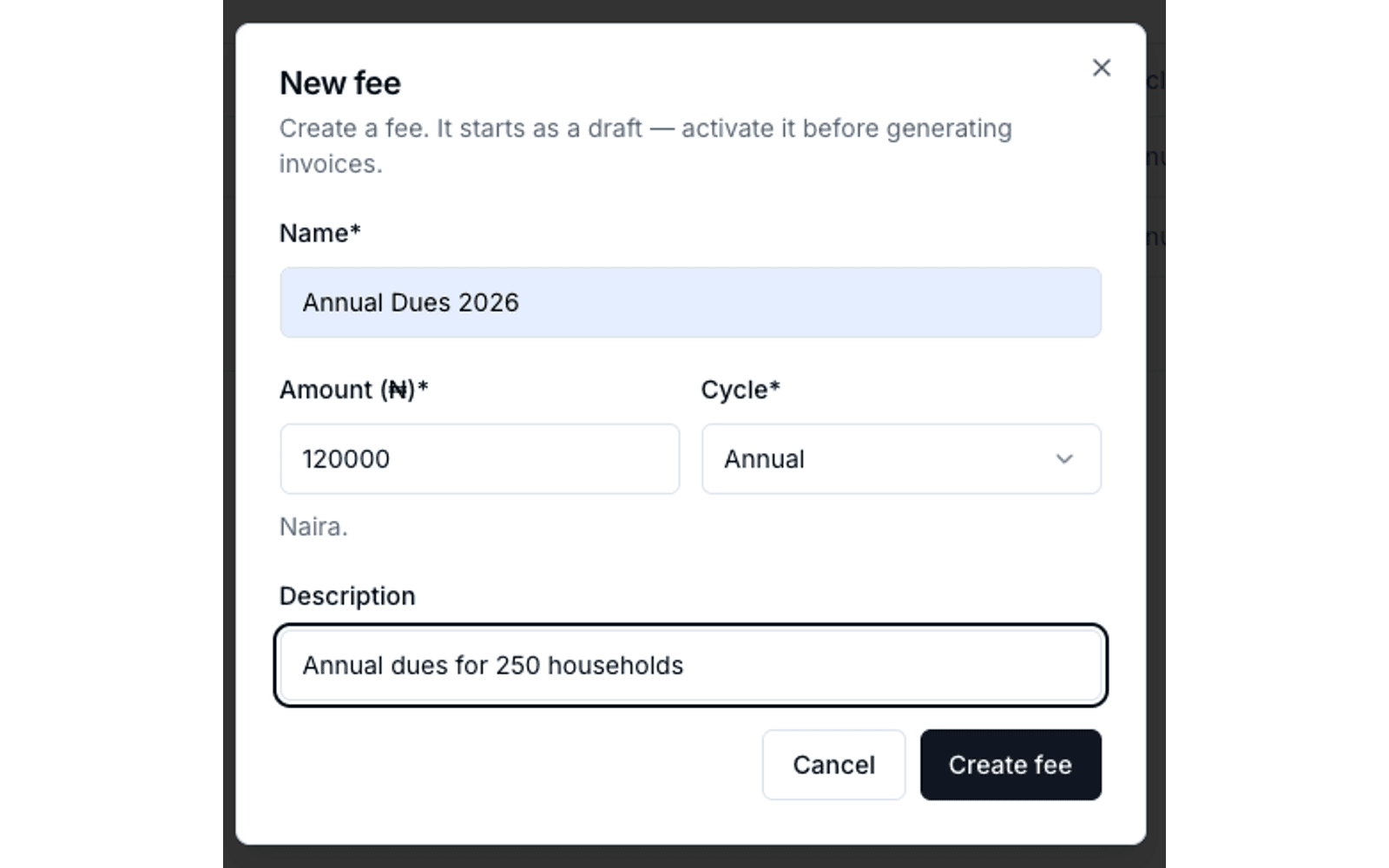
When dues are due, issue invoices to every household in one click. Residents receive notifications instantly. The invoice shows what's due, why it's due, and how to pay.
- 04
Reconcile as residents pay
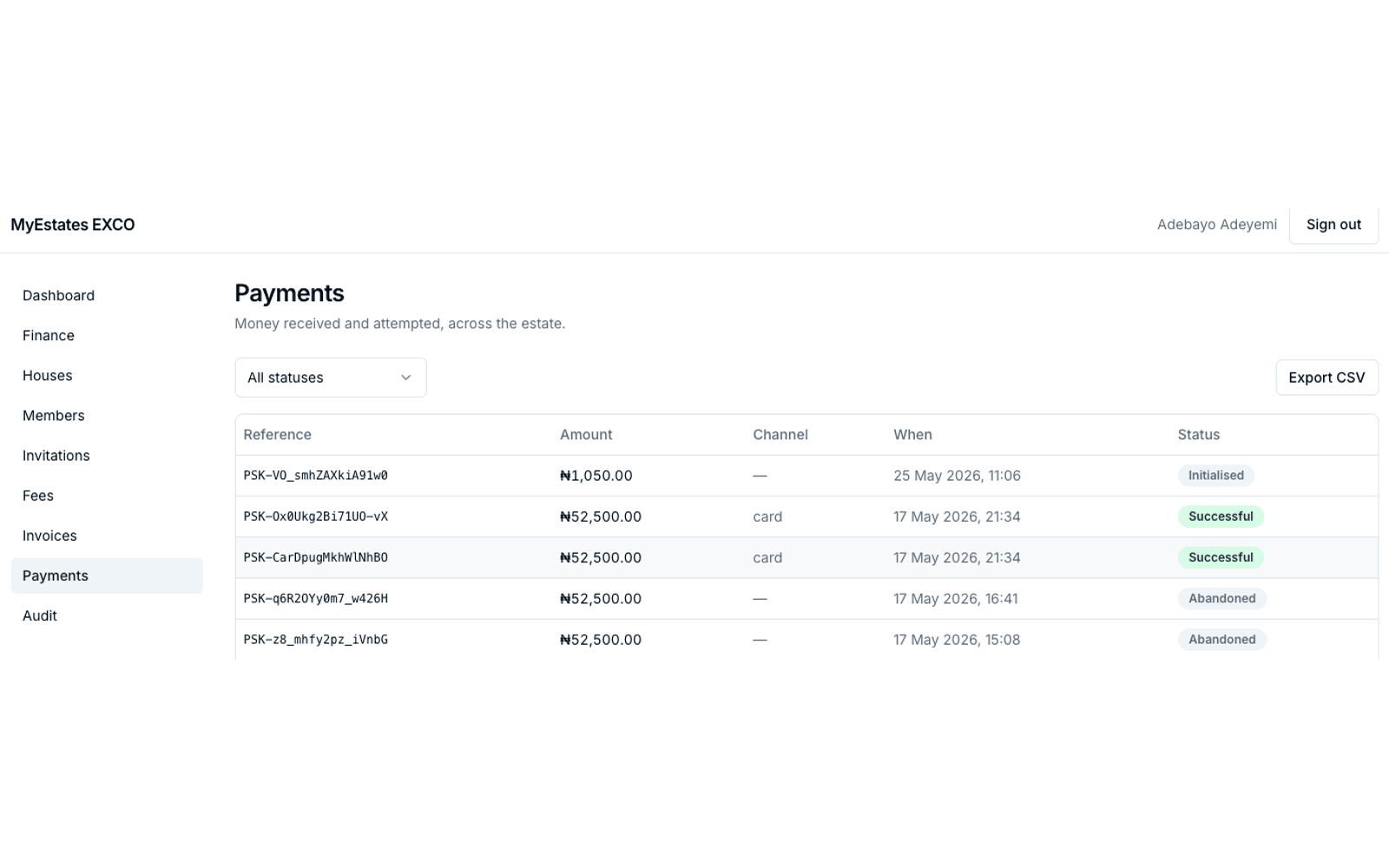
Residents pay through Paystack — card, transfer, or USSD. Invoices mark paid in real time. No manual matching, no lost slips, no "did the chair confirm this?" Cash and bank-transfer payments can be recorded manually with an audit trail; both flow into the same statement.
- 05
Ongoing — and across handovers
Audit trails, monthly statements, household-level views, CSV exports for the AGM. When the EXCO changes — chair retires, new treasurer elected — the records carry through. New EXCO members inherit a complete history, not a fresh start with no context.
Bring clarity to your estate's finances.
Two ways in, depending on who you are.
Estate chair
Apply as an estateResident
Join your estateHave a question first? Contact us.